RADIN Share
Email a link. A one-time code opens it, with no portal account.
What problem we solve, by care setting.
Every site. One reading room.
Read for every client facility from one worklist. Each radiologist starts with their own prioritized queue and opens each study with the images, priors and clinical context they need.
3+ million
studies a year processed in RADIN.
633
facilities connected to RADIN.
200+
radiologists reading on RADIN.
Under 2 s
to assign a study.
Up to 80%
less dictation time with Dictation AI®.
RemotEye
integrated diagnostic viewer.
Follow a study from assignment to delivery.
One study, from assignment rules to the signed report.
Illustrative workflow with English narration. Read the transcript below.
Welcome to Radin PACS. Every site, in one reading room. And it all begins in one place: the worklist.
Every day, studies arrive from many sites, into one long list. And every clinic has its own rules for running it. Move up a study that's been waiting too long. Hand over unread studies when a shift ends. Mark a study that came in with no images. There are a lot of rules like these, and today, someone has to create and manage them by hand. AI workflow does that for you. Just write the rule in simple English. No developer. No one watching the list. Any study that meets the rule, the action runs on its own. It can raise a priority, change a status, add a category, mark a problem, or assign a study.
So when a new study arrives, the rule sends it to the right radiologist. Its urgency puts it first. And your queue shows only your cases, highest priority first. Larger groups can add Radin Select for more complex assignment.
Now it's first on your list, so you open it. Your layout and priors are already there, side by side.
And before you start reading, Radina has already gathered what you need: measurements from the DICOM structured report, the reason for the exam from the order and documents, and findings from all relevant priors. It all comes together in one summary, right here in the side panel, for you to review.
You read the study, dictate your report, recommend a follow-up exam, and sign.
The moment you sign, the report reaches the ordering physician through the configured channel. It can also go by physician portal or fax, and patients can access released reports in their portal. And Radina Follow-Up keeps tracking the recommended exam, with reminders, until the care team confirms completion.
And if someone else needs to see it, Radin Share sends the images, the report or both, in a secure way. They open it in a browser, with no portal account.
One study: assigned, opened, summarized, signed and delivered, all connected. That's Radin PACS. Every site. One reading room.
Your studies, the way you read.
Start with a preloaded hanging protocol or customize your own.
Each study opens in your layout, on any workstation.
Window/level, measure, annotate
MPR, MIP, MinIP, volume rendering
Side by side, priors auto-opened
BI-RADS, tomosynthesis, CAD
Fusion, SUV, color maps
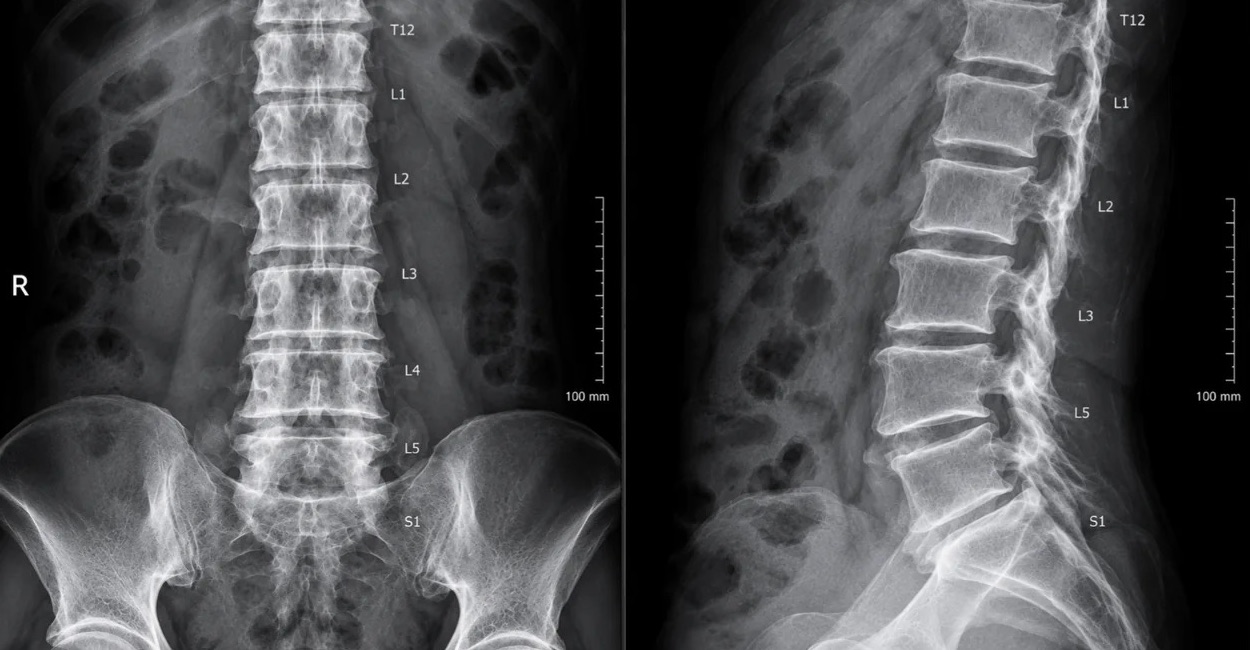
CT lumbar spine · 2 monitors
AI-generated sample images
Get the result to the person who needs it.
The signed report, the images or a call. Each handoff starts from the study.
Email a link. A one-time code opens it, with no portal account.
By physician portal, EMR interface or fax. Patients use their portal.
Send a study link, start a call, or share your screen.
Call from the study. The reader confirms the finding was communicated.
Tracks a recommended exam, with reminders, until it’s completed.
Dictation AI® and RADINA
In most reading rooms, the report, the critical call and the follow-up live in other systems. In RADIN they are in the same system as the images.
The template opens with the history and the comparison filled in. Measurements, technologist notes and imaging AI findings wait in the Smart Dictation® box, where the radiologist dictates. The radiologist says the findings, and Dictation AI® writes the report and the impression in their style. Key images go into the report. Up to 80% less dictation time.
When the radiologist selects a prior report for comparison, they dictate only what changed. Dictation AI® Comparison describes the changes from the prior report and carries the rest forward.
Recognizes a critical finding in the report Dictation AI® drafts, before the radiologist finalizes it, and alerts them to open a tracking event. The event follows the path you set, with a target communication time by criticality, and the call is logged: who, when and how.
One click on any phone number shown in RADIN starts the call, with no dialing. For a critical finding, the radiologist reaches the ordering physician's cell phone or, in a hospital, the unit where the patient is, such as the ER or the floor. The caller ID can show the practice or the radiologist. RADIN logs each call, and the radiologist confirms that the finding was communicated before the event closes.
Checks each report against itself and the order: a contradiction, a wrong side, a finding missing from the impression, a critical result with no documented communication.
Checks each report for what payers, quality programs and regulators require, and tells the radiologist exactly what is missing.
Tracks each follow-up recommendation, dictated or called for by guidelines. It reminds staff, ordering physicians and patients, and keeps the study open until the exam is done.
Scoring, one-click addenda and discrepancy tracking, with the data for OPPE and FPPE.
A chat window on every RADIN screen. See who is online, send a message or a link that opens the study, and start an audio call, a video call, a conference call or a screen share. A radiologist can send a colleague a case to review. A mammography technologist can show a study to the radiologist, who can show where a spot compression view is needed.
Study and reading volume, turnaround time, radiologist productivity and workload, and SLA performance, by facility and by modality. It also shows where studies are waiting. Dashboards can be saved, scheduled and exported to PDF, Excel or CSV.
Add-ons. RADIN Click to Call and RADIN Connect are added to RADIN PACS as you need them.
Dictation AI® writes from what the radiologist dictates, and the RADINA agents check the text of the report. Findings from connected imaging AI are shown to the radiologist to confirm. The radiologist reviews, edits and signs every report.
Cloud, continuity and security
AWS cloud storage grows with your study volume. Keep your existing VNA, migrate your archive, or use both.
RADIN Gateway keeps new studies on site and syncs them when connectivity returns. Optional local PACS supports on-site viewing and preliminary reporting.
Explore RADIN Gateway →Role-based access, MFA, encryption and audit logs. Built for HIPAA-regulated environments, with SOC 2 Type II audited operations.
Review security →Browse what it can do, by category.
Read in a browser, with your layout and tools.
The order, prior findings and documents, right in the read.
Client sites, remote readers and outside groups, from one queue.
See a queue building, and act within the service window.
Context in the draft. The radiologist signs.
The images, report or call the next person needs.
Modalities, archives and clinical systems, connected.
One central platform. Each facility keeps its own workflows.