Ordering Physician Portal
One portal for your offices. One place for the patient journey.
Manage work across your authorized offices with one login.
What the Ordering Physician Portal offers
-
AI/OCR Order Creation
Radin OCR reads referral documents and prepopulates order details. Review the extracted information, make corrections if needed, and submit the order to the authorized office.
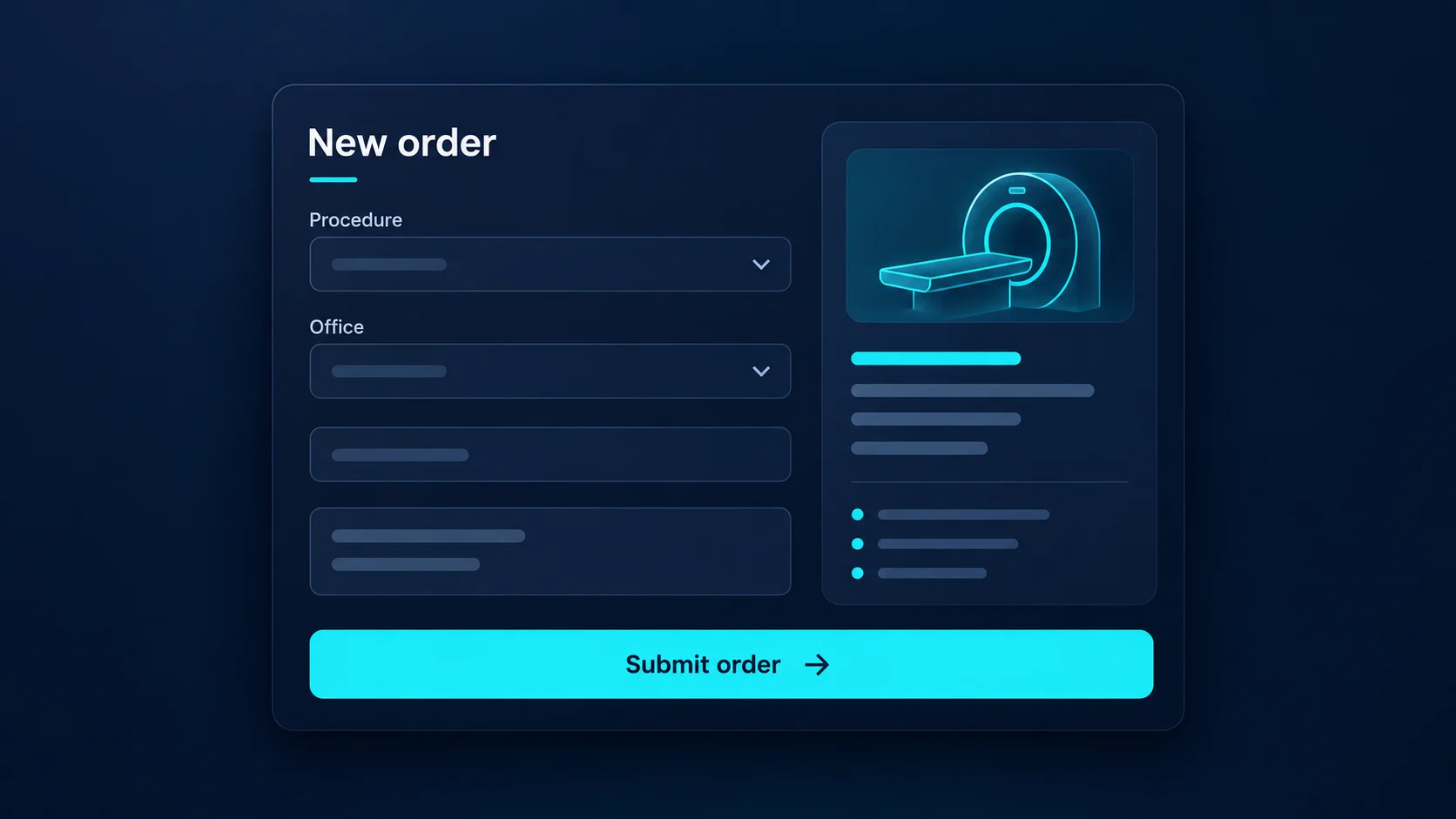
ORDERING PHYSICIAN PORTAL AI-assisted OCR order creation -
E-Print
Send documents without the paper trail. Choose Radin ePrint from your application’s Print menu to deliver documents securely to your clinic’s Document Manager, without printing, scanning or faxing.
Existing application Select Print, then Radin ePrint Clinic Document Manager
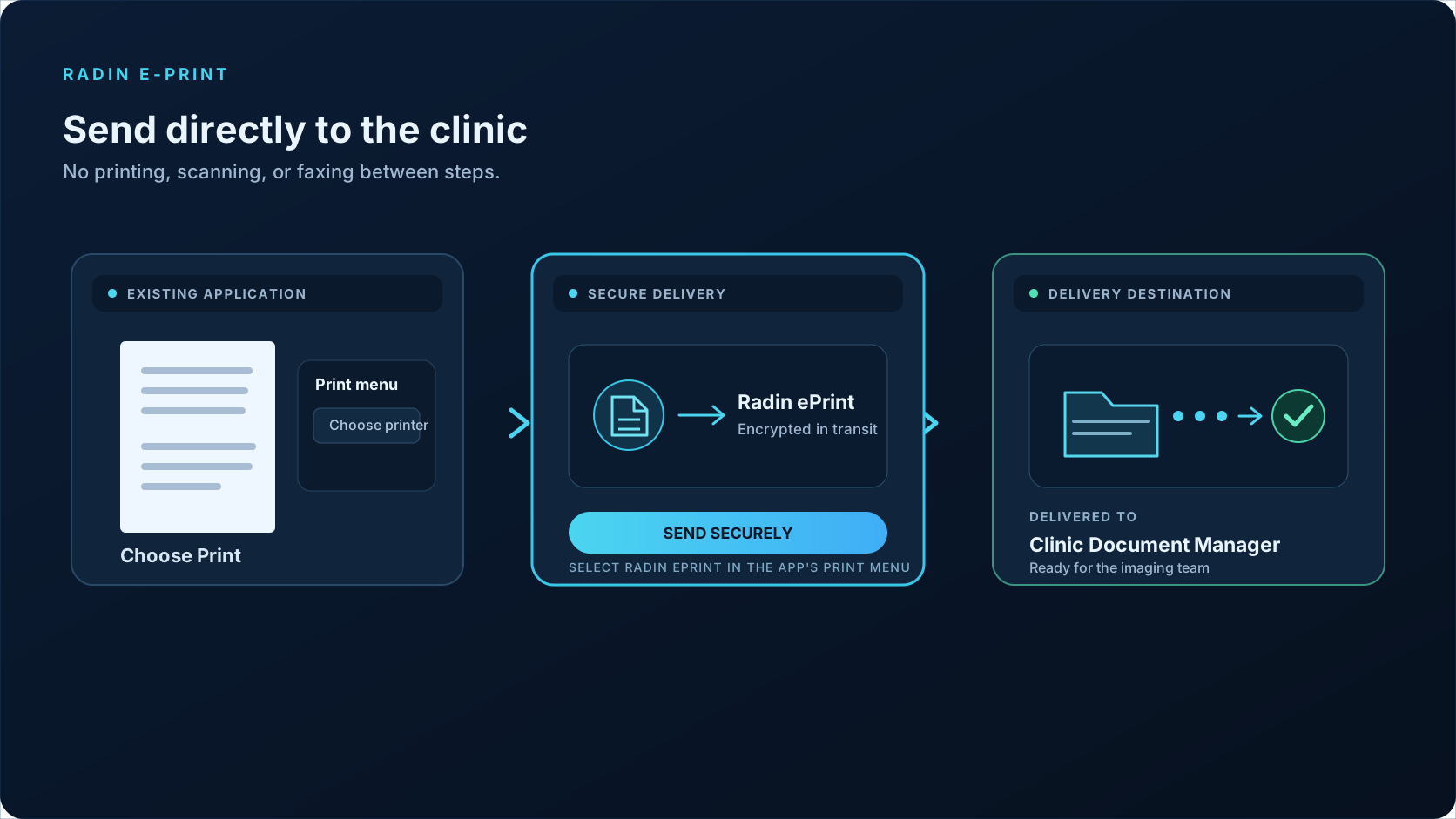
ORDERING PHYSICIAN PORTAL Secure document delivery to the clinic Document Manager -
Track the Appointment Lifecycle
Track the request from referral processing and order creation through insurance and authorization progress to appointment scheduling.
See where each patient stands
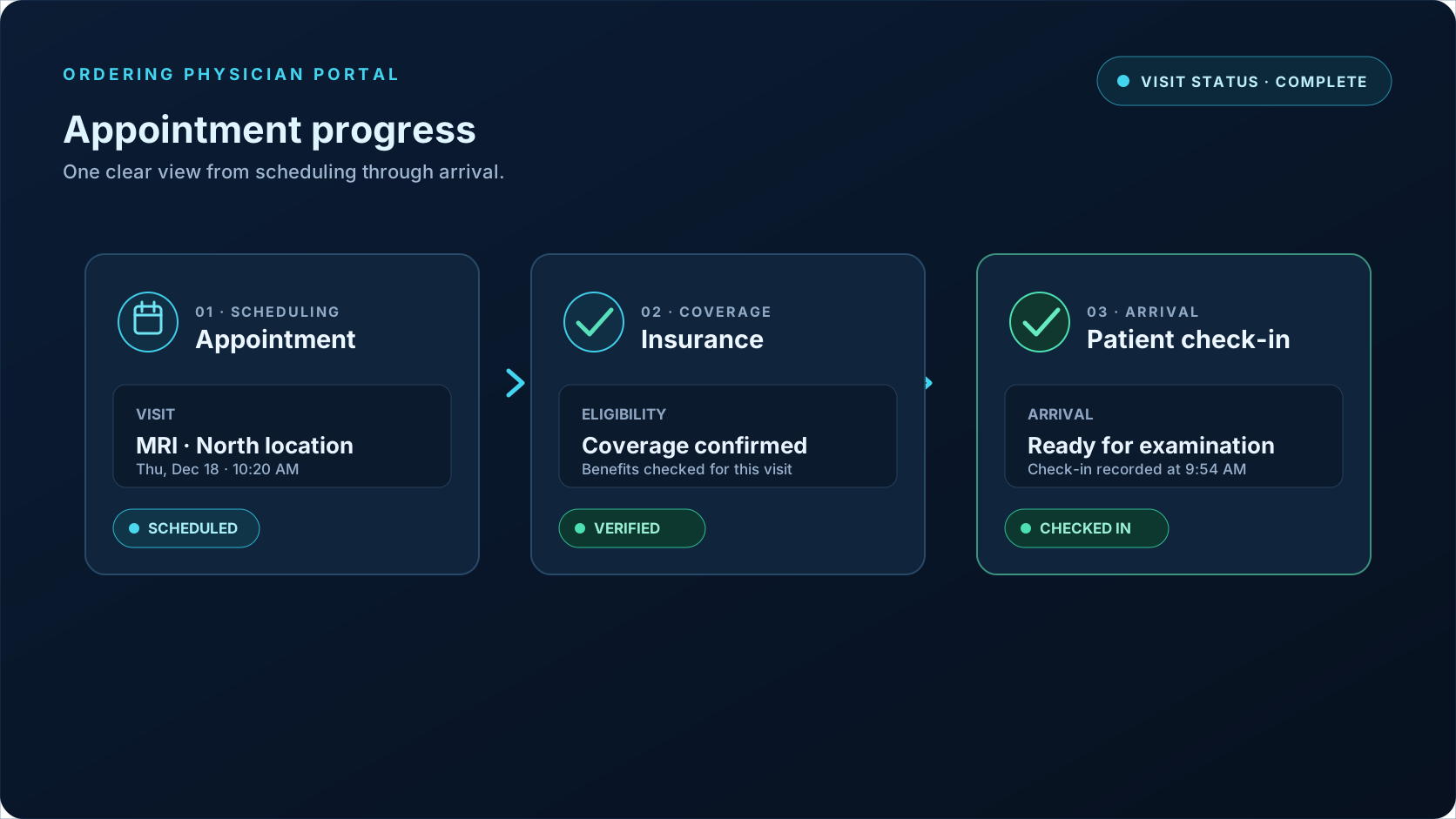
ORDERING PHYSICIAN PORTAL Appointment scheduled, insurance verified, patient checked in -
ACTION REQUIRED · PHYSICIAN REVIEW
Action Required
A prominent Action Required status flags items waiting for physician input. Complete a peer-to-peer review when authorization needs clinical input, and review reports or follow-up recommendations that need approval.
Bring peer to peer review to the physician’s attention
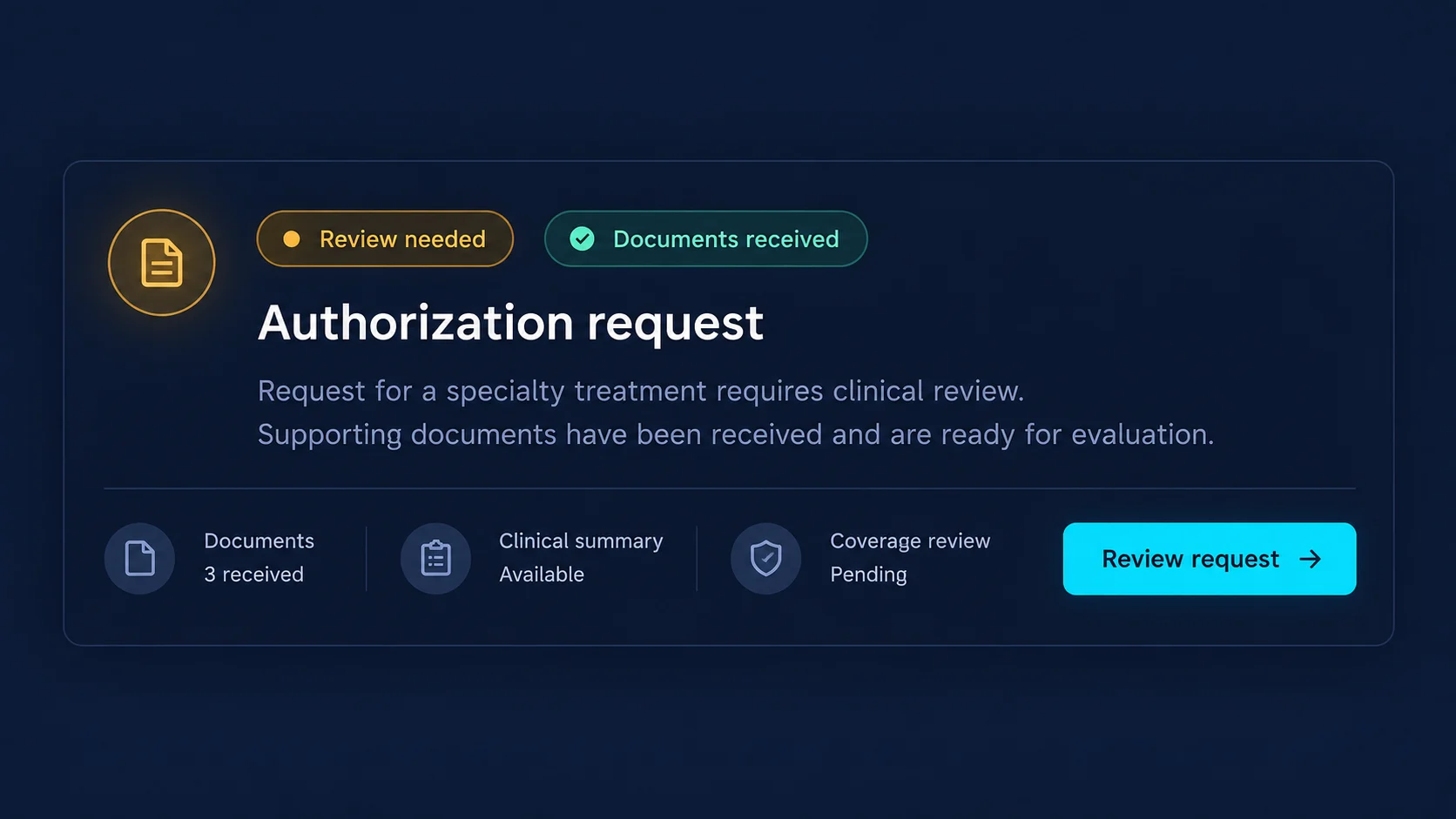
ORDERING PHYSICIAN PORTAL Authorization request ready for review -
View Reports and Images
Review the report, then cross-check images in the integrated light viewer. Keep the patient’s results and the next care decision connected.
- Patients do not need to carry images.
- Clinics do not need to send images separately.
- Follow-up recommendations are available for approval.
Report and image access is subject to patient consent and access permissions.
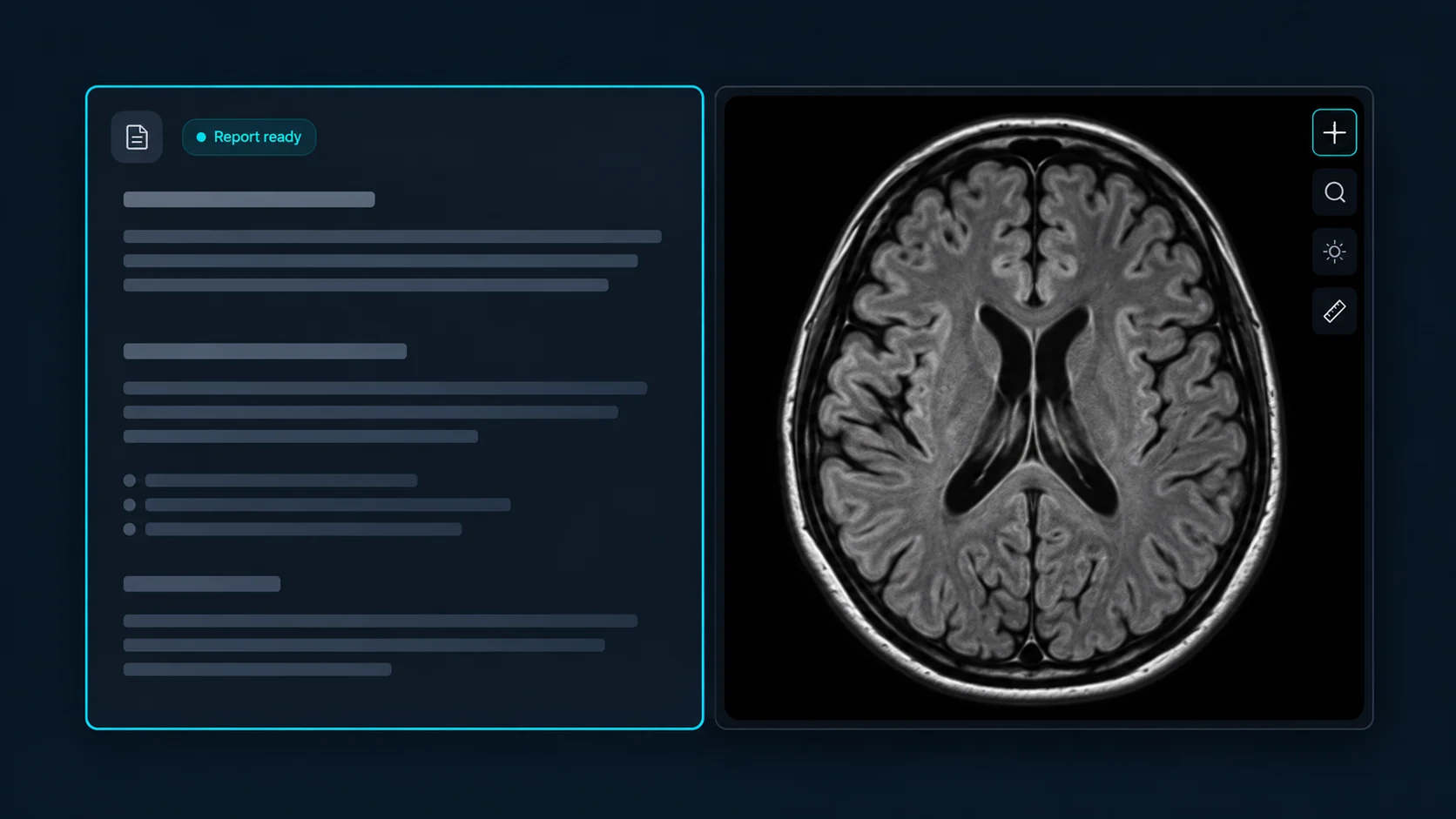
ORDERING PHYSICIAN PORTAL Report and scan side by side -
View Follow-Up Recommendations
Review available follow-up recommendations and provide the required physician approval so the imaging center can coordinate approved next steps.
Keep follow up decisions connected
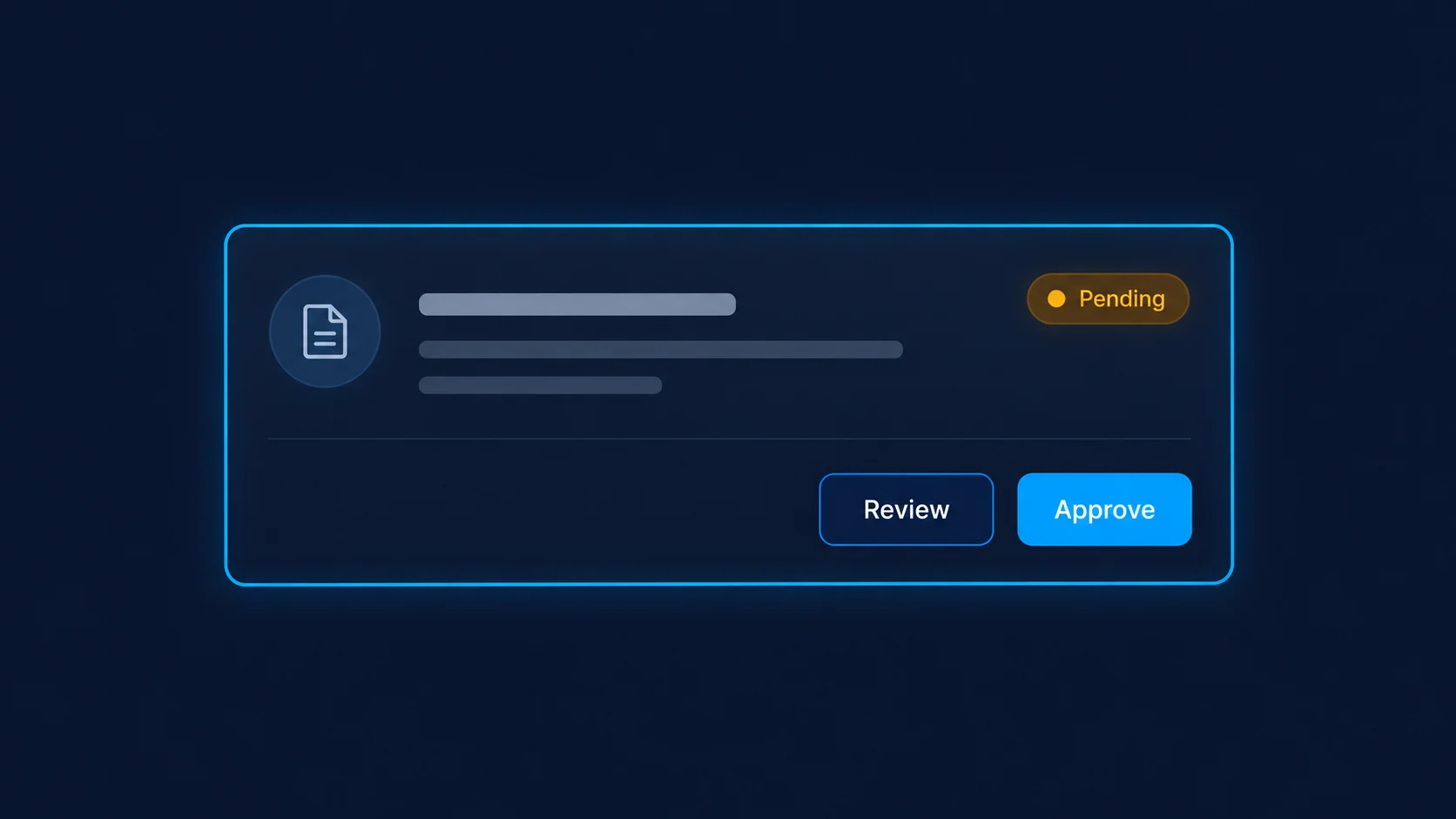
ORDERING PHYSICIAN PORTAL Follow-up recommendation ready for review
Bring it all together for your physician offices
From order requests and supporting documents to patient progress, physician actions, reports, images and follow-up approvals, keep the information your physician offices need together. Give them one portal to manage their work across associated offices and stay connected with your imaging center.
See how the RADIN Ordering Physician Portal brings your imaging center and physician offices together throughout the patient journey.